
Most people who search for an app to catalog their clothes want one thing: a list of what they own that they can open at the bus stop. The hard part is rarely the app. It is the sorting, the photographing and the deciding what counts as an item.
This guide takes one angle, a single quiet afternoon with a phone, a bed and a pile of clothes. You will learn how to set up a small test batch, take photos that read clearly, and check the results before you commit your whole closet. We keep it practical, so you can finish a first pass without losing a weekend. By the end you will have a short working catalog, a clear idea of what is missing, and a routine that keeps it current.
Decide what the catalog is for
Before you photograph anything, decide what you want the list to do. A catalog for a closet full of black tops has a different job than one for a weekend trip with one carry-on bag. If you want to stop buying duplicates, you need clear photos of every top, jacket and pair of shoes. If you want faster mornings, you need the pieces you actually wear, not the ones stuck at the back. Write your goal on a sticky note and keep it near the pile. It helps to pick one goal only, because a list built for everything tends to get abandoned halfway.
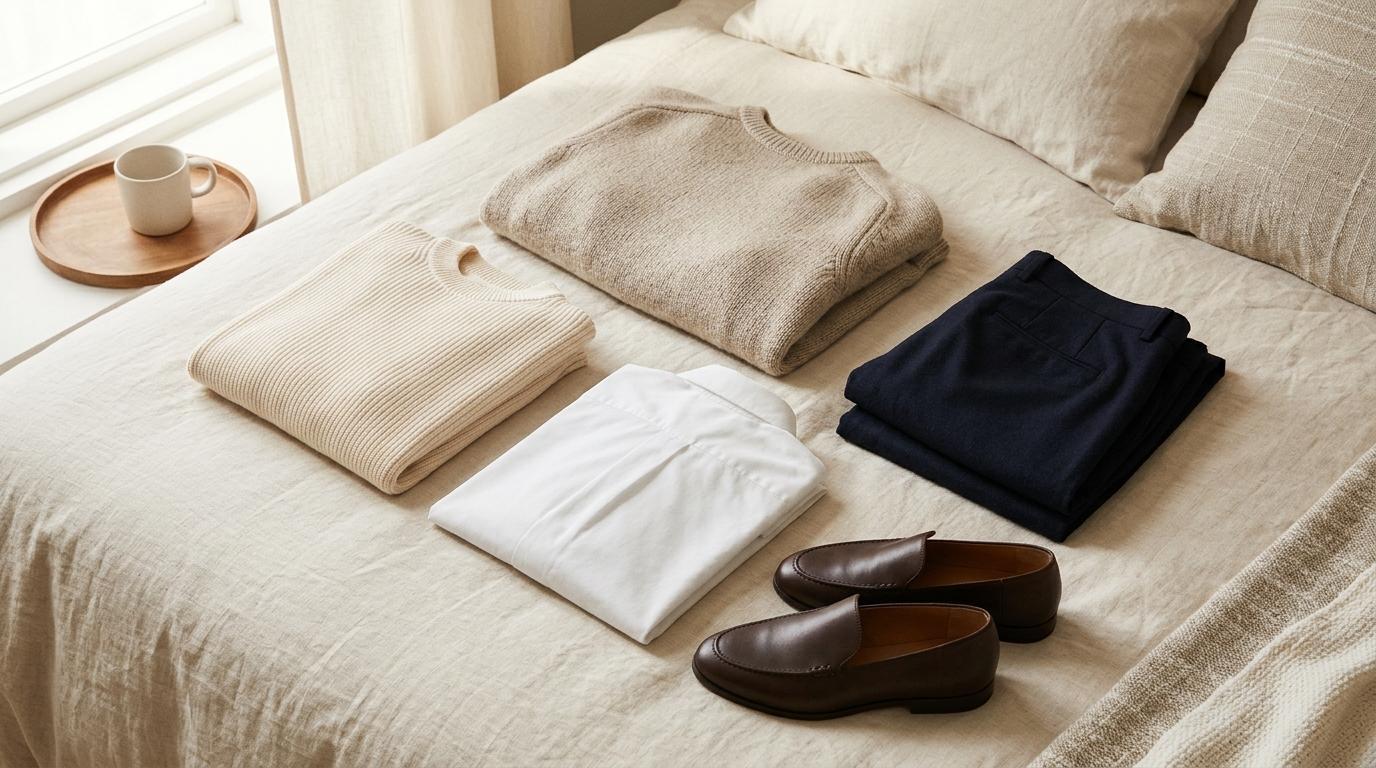
Next, think about the size of the job. A full closet can feel huge, so try a test batch first. Choose what you would wear on a rainy Monday commute: a coat, a sweater, a shirt, trousers and shoes. That is enough to see how photos, tags and browsing feel on your phone before you invest more time.
- Pick one goal: fewer duplicates, faster mornings or easier packing.
- Choose a test batch of 5 pieces you wear often.
- Set a timer so the first session stays short.
- Decide up front whether scarves and belts count.
Take photos that tell similar items apart
Good photos make a catalog useful, and bad ones make it a guessing game. Lay each piece flat on a bed or a clean floor with even light from a window. Avoid shadows across the fabric, since they hide details such as buttons, pockets and prints. Fill most of the frame with the item, and keep the edges of the garment in view so you can tell a cropped top from a long one at a glance.
If you own several near-identical pieces, such as that row of black tops, take one extra shot of the neckline or the label on the ones that look alike. You can also snap a photo of an outfit you already love and pick items out of it later. Try to shoot everything in one go, in the same spot, because consistent lighting makes the whole list look tidy and easier to scan.
- Clear a flat surface and open the curtains.
- Lay the piece out and smooth any wrinkles.
- Take one straight-on photo from above.
- Move the item to the done pile before the next one.
- Review the batch before you do anything else.
Let the app tag everything, then fix the mistakes
Typing a label for every shirt is the step that kills most closet projects. A better route is to let the software suggest tags and spend your time correcting them. In the app described at the end of this post, AI removes the background from each item and fills in details such as category, colour, style and season. You can edit any of those afterwards, so a wrong guess costs you a few seconds rather than a bad list.
Go through the test batch slowly and check each tag against the real garment. Is the navy sweater really tagged as navy, and does the season match when you would wear it? Small fixes now save confusion later, because search and filters only work as well as the labels behind them. If a tag keeps coming out wrong, try retaking the photo in better light before you assume the item is the problem. Treat this review as the real test of whether a tool suits you.
- Check the category first, then colour.
- Match the season to when you really wear it.
- Correct the style tag if it feels off.
- Retake any photo that looks dark or cluttered.
Browse, filter and search before adding more
Once the test batch is in, open your wardrobe the way you would on a hurried morning. Filter by colour, search for a category, and save the pieces you like most. The point is to find out whether you can answer a real question in under a minute, such as which jacket goes with the grey trousers. If you can, the catalog is already paying you back, and adding more clothes will feel worthwhile rather than like homework.
This is also the moment to notice gaps. Maybe you own six tops that only work with one pair of trousers, or nothing smart for a dinner. Jot those observations down instead of shopping straight away. A catalog is most useful when it changes what you do next, whether that means wearing forgotten pieces, passing on duplicates or planning a trip bag. Pair it with a simple weekly plan if you like, and read our guide to planning outfits for the week.
When the first batch feels right, add the rest in short sessions of one shelf or one drawer at a time.
Keep your catalog current without much effort
A catalog only helps while it matches your real closet. Set a small rule: whenever something new comes in, photograph it that same day, and whenever something leaves, remove it from the list. Two minutes at the time beats a full weekend of repair every few months. Do a quick seasonal check as the weather turns, and archive what you no longer wear.
If you have an iPhone, Lookify is one way to do all of this. You add clothes by taking a photo or picking from your gallery, and the free plan lets you try a first batch of up to 10 items, which fits the test-batch idea in this post. Prices for paid plans are shown in the App Store, and you can get the app on the App Store whenever you are ready. There is no Android version yet, so check your device first.
Whatever tool you pick, the method stays the same: small batch, clear photos, honest tags and a quick habit.
Frequently asked questions
How many clothes should I add first?
Start small. A test batch of around 10 pieces is plenty to judge whether photographing, tagging and browsing suit you. Pick items you wear often so the results feel useful straight away, then add the rest one drawer at a time once you trust the process.
Do I need to take new photos of everything?
Not always. You can pick photos from your gallery, and a picture of an outfit you already wear can work too. New photos help when the old ones are dark or crowded, so retake those on a flat surface in daylight.
Is there a catalog app for Android?
The app covered here is for iPhone only, and there is no Android version yet. If you use another phone, you can still follow the method on paper or in a notes app, using the same steps for photos, labels and a weekly check.
What does the free plan allow?
The free plan includes up to 10 wardrobe items, 2 AI extractions per month, 3 outfit generations per month and 5 Style Assistant messages per month. Paid plans lift those limits, and the App Store shows prices in your local currency.